


Published by: Elise Caradec — Editor specializing in consulting
Extending battery life on a Mac Apple Silicon becomes simpler with BatFiA few minutes is enough to adapt its load threshold to its needs, protect the computer from premature aging and finally regain a more accurate control compared to the native Apple option. Designed for all, including non-technophile but pointy users, this utility brings a real plus to everyday life a concrete, reassuring and accessible option, both to preserve its hardware and to protect its essential data.
Optimize the charge of its Mac Silicon–BatFi battery, the solution that surpasses native Apple management
Do you want to extend the lifespan of your Mac battery, and do you regularly run into the limitations of the native Apple system? BatFi proposes to precisely manage the load threshold, automate protection and obtain reliable support, without any installation complexity. This type of solution was particularly expected: BatFi now counts more than 22,880 copies sold and displays a rating of 4.7/5 of 308 opinions signs that the tool convinces by its simplicity and tangible results. Moreover, several users say that regaining control over the battery has changed their experience over the months.
In practice, BatFi responds to a widespread discomfort: the Apple Silicon Mac does not allow to adjust the load threshold, making it difficult to preserve the battery. Thanks to its range of settings ( 60% to 90%) and its intuitive interface, protecting its battery becomes an automation. Is this really more timely than the Apple Optimized Battery Charging function? An Apple maintenance trainer believes that, for an SME fleet, the difference is obvious.
Why does BatFi become relevant? Native option limits and real stakes for Mac battery
Reloading its 100% Mac sistically or keeping it connected continuously on a desktop accelerates battery degradation. Apple does offer a so-called management « Optimized Battery Charging », but we find ourselves quickly with reduced room for manoeuvre: the threshold does not settle, no clear indicator does appear, and the user remains passive in the face of internal algorithms.
Let's illustrate with the example of Noah, a student whose MacBook Pro stays plugged all day in class: the battery gets tired faster as the native system pushes towards a complete and maintained charge. This is where BatFi makes the difference: by setting, for example, a threshold at 80 %, the load stops automatically. A simple logic that really reassures some people compare this to the caution of a parent who limits the candy to keep the teeth of the children (and who congratulates later).
- Could not customize the load threshold with Apple
- Automatic stop of charge dependent on opaque algorithms, without being able to act
- No clear notification related to battery health
- No native method for adapting to several professional devices
Let's add that between 85 and 90 % of BatFi users assign him 5 stars, tangible proof that the frustration of the departure finally finds its practical solution.
How does BatFi work? Smart automation and user-friendly configuration
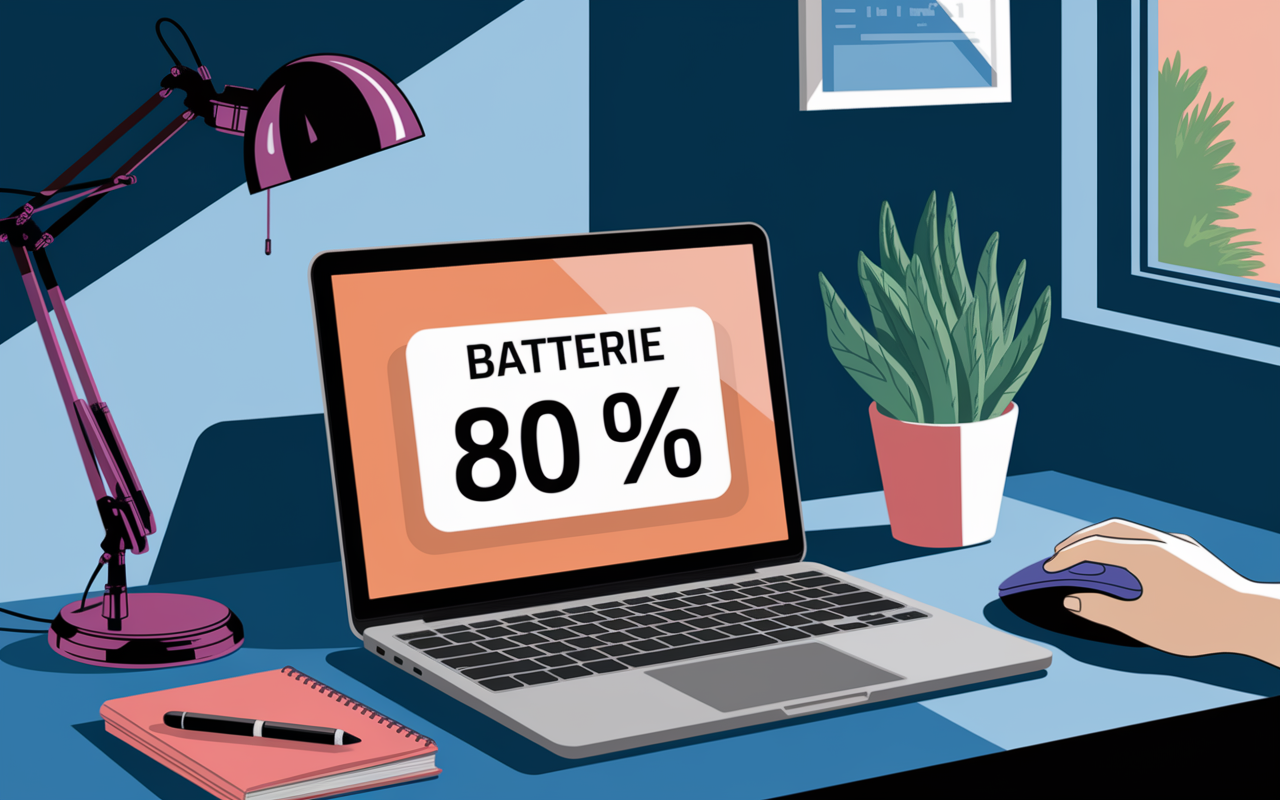
Under its simple look, BatFi embarks an automation designed to extend battery life. After installation (count less than two minutes via .dmg or brew), the threshold is set between 60% and 90% according to his habits. Then the management becomes transparent: the app interrupts the load at the agreed threshold, with a visual notification in the menu bar. Some professionals notice this during company training, the fashion « set and forget » allows us to completely forget the technical constraint in everyday life.
A question that we find regularly during the workshops: is the implementation complex? It's not always obvious to be there, but BatFi stands out precisely by its onboarding, with step-by-step guides for each step and a well-explained system authorization. Sometimes a user hesitates on the choice of threshold, a well-built FAQ usually dispels doubts.
- Threshold setting directly from the interface (80% remains the standard recommended value)
- State display via a dedicated icon, real-time notifications on the load
- Full load option on request with just one click
- Visual support during installation and quick access to the detailed FAQ
Note for small professional teams: the single licence covers up to five employees, beyond the rate 15 $ by postThis simplifies business management.
Compare Apple vs BatFi: concrete synthesis of benefits
This question is often heard: « Why invest 15 $ in BatFi if Apple management already exists? » Here's what we can remember at a glance: utility offers much higher control and customization features, which translate into less constraints and more autonomy on the ground. Some Mac experts, asked on specialized forums, point out that after tasting BatFi, returning to Apple configuration quickly becomes frustrating.
| Functionality | Apple Optimized | BatFi |
|---|---|---|
| Configurable load threshold | No | Yes (60-90%) |
| Notifications battery condition | Limited | Clear, configurable |
| Manual control 100 % | No | Yes (in 1 click) |
| Dedicated Support/FAQ | No | Yes (form, guides) |
| Social proof (notices, sales) | N/A | 22 880 sales, 4.7/5 |
In practice, choosing BatFi amounts to switching from a standard service to a relatively personalized experience: once the utility is tested, returns are often very sliced (and it is not uncommon to talk about them during discussions between Mac users in business).
Installation and support: simplified approach and assistance at each stage
Whether you're a little worried about changing your Mac or just curious about alternative options, BatFi fluidizes the course with an interactive guide, available for direct download (.dmg) or via brew. The whole process aims to reassure: the Technical FAQ covers most topics, the support is accessible by form and the onboarding in images makes it easy to take control. Small detail often mentioned in user groups: even in case of concern for an absent icon or system rights to adjust, the answers arrive quickly.
For example, Noah, already mentioned above, followed the visual tutorial, selected its load threshold, and the installation went smoothly. If a difficulty persists (this is sometimes the case for admin rights on some models), the FAQ or dedicated support are effective in unlocking the situation. Moreover, in several workshops, Apple support professionals claim that BatFi documentation saves time in multiple installations.
- Guided path of the beginning of the installation
- Professional support and complete FAQ covering common problems
- Accessible changelog to track important updates
- Transparent Privacy Policy (possibility to disable sending crash reports)
The compatibility is limited: BatFi works exclusively on Mac Apple Silicon on macOS 13+, which can guide the choice according to your model.
Guarantee, user returns and trade policy without surprise
It should be noted that the money back guarantee plays a real role in reinsurance: everyone has 30 days to test BatFi without commitment. The social proof is strong with 22,880 sales and one Note of 4.7/5The Mac community highlights the ease of use and clarity of the tool. During discussions on Gumroad, a user shares his experience: "In five minutes, I earned several months on the health of my battery." This type of return proves valuable when validating the purchase.
- Single licence to 15 $, no hidden subscription formula
- Guarantee 30 days « satisfied or refunded »
- Integrated reactive media to meet requests
- Free consultation of opinions and notes before committing
In concrete terms, a few minutes are enough to gain serenity on the Mac battery side not need to be expert, simply the desire to extend the life of its computer as we watch over that of our children (some testify that the benefit is immediate from the first controlled charge).
Frequently asked questions about BatFi: settings, compatibility and support
It is often the same hesitations that come back, so let us summarize the main questions identified in the workshop and during the accompaniments.
How to choose the optimal load threshold?
Generally recommended 80 % for a common use, a value tested with the majority of users. One click in the interface is enough, at any time.
What differences between BatFi and Apple native management?
The Apple option remains unadjustable and untransparent, which prevents direct action. BatFi, on the other hand, allows to configure the threshold, obtain a clear view of the battery state and manually adjust the charge. The benefits are supported by the experience of more than 22,000 users over several years the figures are authentic.
Is the software reliable and compatible?
BatFi works exclusively on Mac Apple Silicon (M1, M2, etc.) equipped with macOS Ventura or higher. Experts returns and the community welcome its stability, it is possible to disable crash reports in the options most opinions (Note of 4.7/5) confirms this reliability.
What concrete guarantee and support does BatFi offer?
30 days « satisfied or refunded », Detailed FAQ and reactive support via form. It is safe to test, and technical monitoring is generally mentioned as a strong point by advanced users.
Are installation and customization accessible?
The whole process is guided either via .dmg or brew according to preferences. To adapt BatFi, a few clicks are enough, and for any specific question, the support answers very quickly (a common anecdote: a user has obtained in less than an hour a solution to a problem on a Mac fleet in SMEs).
Last point to note: BatFi is a practical and reliable choice for those who want to keep their hands on the battery of their Mac, extend its life and enjoy a truly human support without ever complicating everyday life.